




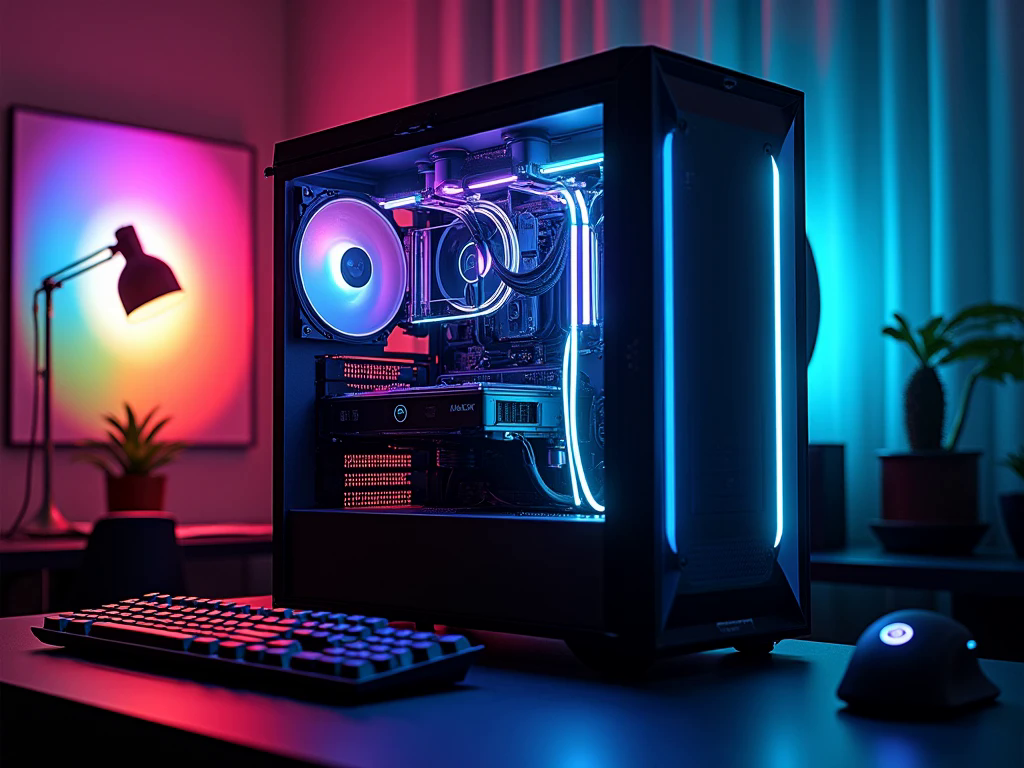
Building a gaming computer requires more than selecting components with impressive specifications. Every part has a role in determining how smoothly games run, how quickly applications respond, and how easily the system can handle future software. Your choice should depend on the games you enjoy, the monitor you use, and the amount you want to invest.
An RTX 5070 PC is worth considering if you want modern graphics features and strong gaming capabilities without automatically moving to the most expensive graphics card category. Understanding its hardware and the components around it can help you make a more informed purchase.
What Makes the RTX 5070 an Interesting Choice?
The NVIDIA GeForce RTX 5070 is built on the Blackwell architecture and features 12GB of GDDR7 video memory. It supports modern rendering technologies, including ray tracing and DLSS, giving gamers access to advanced visual features in compatible titles.
Ray tracing improves the way games display lighting, reflections, and shadows. These effects can make virtual environments look more realistic, but they also increase the graphics workload. DLSS uses AI-based image processing to improve performance and visual output in supported games. Certain supported features, including frame generation, can increase displayed frame rates, although generated frames are not the same as frames rendered directly by the GPU.
The practical benefit depends on the game and settings you choose. It is sensible to check game-specific benchmarks before deciding whether this graphics card matches your expectations.
Which Gaming Resolution Should You Target?
Your monitor resolution is one of the most important factors when planning a gaming build. A graphics card must render more pixels at higher resolutions, which can affect performance and the settings you can comfortably use.
For many players, 1440p is an appealing target because it offers more visual detail than 1080p without requiring a 4K display. The RTX 5070 can be considered for this type of setup, although results will vary between games. Players using 1080p monitors may also appreciate its capabilities, particularly when aiming for high refresh rates in demanding titles.
If you are interested in 4K gaming, review independent benchmarks for your preferred games. You may need to adjust demanding graphics options or use supported upscaling features to achieve your desired experience. Choosing a resolution based on your actual gaming habits is more useful than purchasing a monitor simply because it has a higher specification.
Selecting the Right CPU for Consistent Performance
The processor is responsible for many tasks that happen alongside graphics rendering. It handles game calculations, character behaviour, physics, background applications, and other instructions. If the CPU is not suitable for the graphics card, the overall system may not perform as expected in certain games.
A modern AMD Ryzen 5 or Ryzen 7, or an Intel Core i5 or Core i7 from a suitable generation, can be considered depending on your budget and intended workload. The exact model matters more than the product family name alone.
Competitive games can benefit from strong CPU performance, especially when targeting high frame rates. Players who stream, record gameplay, or edit videos may prefer additional processing power and cores. Before buying, compare the processor’s gaming performance and check motherboard compatibility, including socket type and supported memory.
RAM and SSD Capacity: Plan for Everyday Use
A gaming computer needs enough system memory to manage the operating system, games, and other applications running at the same time. For a modern setup, 32GB of RAM is a practical starting point for most gaming users. It provides useful flexibility for browsing, communication applications, and multitasking while playing.
The graphics card’s 12GB of VRAM is separate from system RAM. VRAM stores graphics data for the GPU, while system memory supports the wider computer. Understanding this difference helps avoid confusing two separate specifications.
For storage, an NVMe SSD is a sensible choice because it offers fast access to games and files. A 1TB drive may be enough for a smaller game collection, while 2TB gives more room for large installations. If you plan to add another drive later, check how many M.2 slots are available on the motherboard.
Don’t Overlook the Motherboard and Case
The motherboard connects the processor, memory, graphics card, storage, and other devices. It should support your selected CPU and RAM, provide suitable expansion options, and include the connections you need.
The case also deserves attention. Graphics cards can vary in length, thickness, and cooling design, so check the exact dimensions of your chosen model before purchasing a case. Leave enough room for airflow and make sure the case supports your preferred cooling arrangement.
A well-planned case makes future maintenance easier. Accessible dust filters, sensible cable management space, and adequate fan positions can all help keep the computer organised.
Cooling and Power Supply Requirements
Gaming sessions can place sustained workloads on the processor and graphics card. Appropriate cooling helps manage temperatures and maintain stable operation. A suitable CPU cooler, well-positioned case fans, and an airflow-friendly case are more useful than choosing cooling components only for their appearance.
The power supply should be selected according to the exact graphics card model and the requirements of the complete system. Check the manufacturer’s recommended PSU specifications, connector requirements, and cable compatibility. A reliable power supply from a reputable manufacturer is an important part of protecting your investment.
Avoid assuming that every graphics card with the same GPU name has identical power requirements. Different partner models can use different cooling designs and power limits.
Finding a Suitable Configuration in the UAE
When shopping for a gaming computer in the UAE, compare the complete component list rather than judging a system by its graphics card alone. A well-balanced build should have a suitable processor, compatible motherboard, adequate memory, fast storage, reliable power delivery, and effective cooling.
Budget Gamer offers gaming PCs, custom builds, and hardware options for different budgets and gaming preferences. If you are comparing ready-made systems with custom configurations, ask for the exact component models and review the warranty details. This makes it easier to understand what you are paying for and whether the system can be upgraded later.
Also consider your monitor, keyboard, mouse, and available desk space when planning the total setup. A computer that fits your gaming requirements and everyday routine is generally a better purchase than one selected only for its headline specifications.
Frequently Asked Questions
1. How much video memory does the RTX 5070 have?
The NVIDIA GeForce RTX 5070 includes 12GB of GDDR7 VRAM. This memory is used for graphics data, including textures and other rendering tasks.
2. Can the RTX 5070 handle 1440p gaming?
It is a suitable option to consider for 1440p gaming. Actual results depend on the game, graphics settings, ray tracing requirements, and use of supported DLSS features.
3. How much system RAM should I choose?
For most modern gaming systems, 32GB of system RAM is a sensible starting point. Users who run demanding creative applications or regularly multitask may benefit from additional memory.
Conclusion
A successful gaming build depends on choosing components that work well together. Processor compatibility, RAM capacity, SSD storage, cooling, power delivery, and monitor resolution should all be considered before making a purchase. The RTX 5070 can provide a capable foundation for a modern gaming setup, particularly for users interested in advanced graphics features and 1440p play. Take time to compare complete configurations, check independent performance results for your favourite games, and select hardware that suits your needs rather than paying for specifications you may never use.
About The Author