


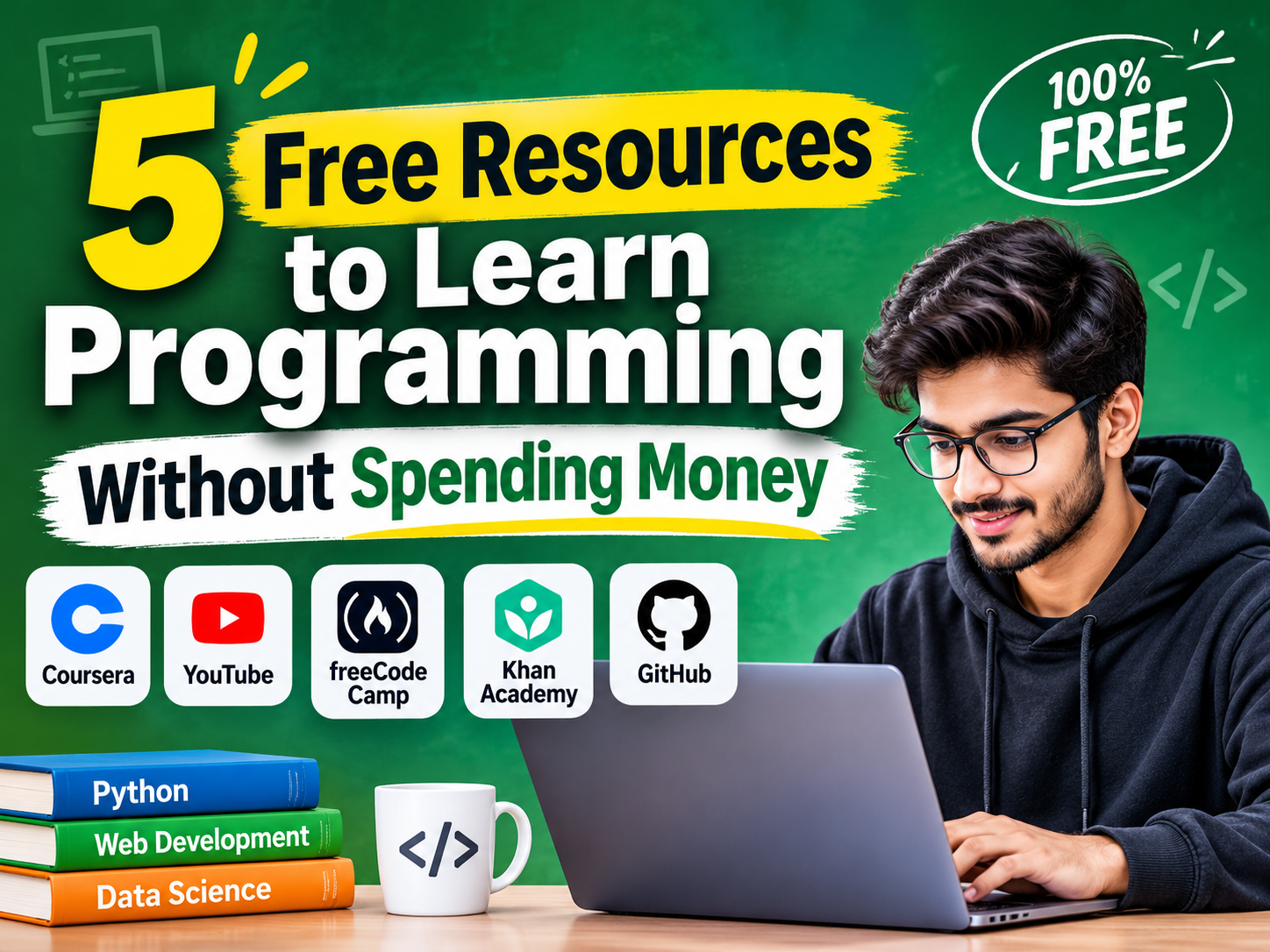
Learning programming can feel expensive before you even write your first line of code. Paid bootcamps, course subscriptions, and endless tutorials can make it difficult to figure out where to start.
But you don’t need an expensive course to build programming skills. Several free learning platforms offer tutorials, structured lessons, and practical exercises to help you get started.
Here are five free programming resources you should definitely check out.
1. freeCodeCamp: Best for Hands-On Practice
If you learn better by doing than by watching tutorials, freeCodeCamp is a strong starting point. It offers free courses in HTML, CSS, JavaScript, Python, and other programming topics. Interactive exercises help you practice concepts as you learn, while projects give you opportunities to apply your knowledge.
Start with Responsive Web Design if you’re interested in website development. Complete the exercises and build a small project before moving to another course. Watching tutorials feels productive, but writing code is where the real learning happens.
2. Skillwaala: Best for Free Guided Learning
Self-learning works for some people, but others struggle without a clear learning path or guidance. That’s where Skillwaala can help.
Skillwaala offers free courses in web development and other digital skills, making it a useful option for beginners who want to explore career-oriented learning without committing money upfront.
You can use its learning resources to build foundational knowledge before deciding which technical skills to pursue further.
If you’re unsure whether programming is the right career choice, start with the basics. Explore web development, practise regularly, and create a small project to test your interest before investing in paid training.
3. Harvard CS50x: Best for Programming Fundamentals
Want to understand how programming works beyond copying code? Harvard’s CS50x is worth considering.
The course introduces computational thinking, algorithms, data structures, and programming languages such as C and Python. Its problem sets challenge you to solve problems independently rather than memorize syntax.
Be prepared for a learning curve. Some assignments can be difficult, especially if you’re completely new to coding. Give yourself enough time to work through the problems. Learning to debug your code and think logically is just as valuable as learning a programming language.
4. The Odin Project: Best for Web Development
The Odin Project offers a structured curriculum for aspiring web developers. It covers HTML, CSS, JavaScript, Git, and other tools used in development workflows.
Instead of relying entirely on video lessons, you’ll work through reading materials, exercises, and projects. This encourages independent problem-solving, a skill you’ll need when working on real applications.
Follow the Foundations course in order. Don’t rush into advanced JavaScript before you’re comfortable with the basics. The projects will help you build a portfolio as your skills improve.
5. MDN Web Docs: Best for Technical Documentation
MDN Web Docs is an excellent reference for learning HTML, CSS, JavaScript, and web technologies.
It’s particularly useful when a tutorial doesn’t explain something clearly, or you need to understand how a specific feature works. The documentation is detailed, so beginners may need to revisit certain explanations.
Keep MDN bookmarked from the beginning. Learning to read technical documentation will help you solve problems independently instead of depending on tutorials for every new concept
How to Start Learning Programming in 30 Days?
You don’t need to study for hours every day. Consistency matters more than occasional marathon sessions.
- Week 1: Learn HTML and CSS. Build a basic webpage.
- Week 2: Study JavaScript fundamentals, including variables, functions, and loops.
- Week 3: Create a small project, such as a calculator or to-do list.
- Week 4: Improve your project, upload the code to GitHub, and document what you learned.
Thirty days won’t necessarily make you job-ready, but you’ll have a foundation and a project to show for your effort.
Final Words
The biggest mistake beginners make is spending too much time comparing courses and too little time writing code.
Start with Free Programming Resources that match your goals, follow one learning path, and build projects along the way. You can explore other platforms when you need a different explanation or want to learn a new skill.
Your first project doesn’t have to be impressive. It needs to be finished. Which programming language are you planning to learn first: Python, JavaScript, or something else?
About The Author