



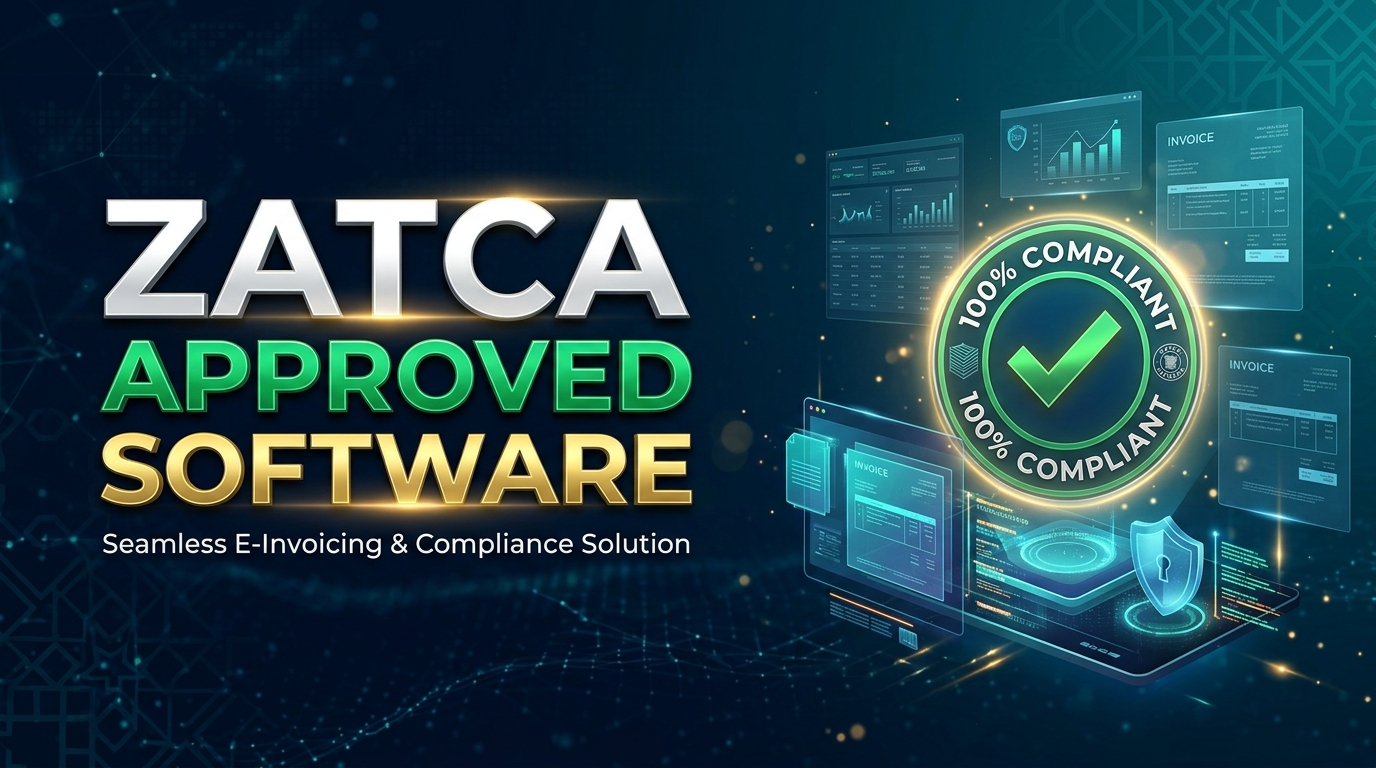
Choosing Zatca Approved Software is an important step for retail companies in Saudi Arabia that want to manage sales, accounting, and electronic invoices correctly. Retail businesses issue invoices throughout the day, process refunds, track inventory, and calculate taxes on eligible transactions. When these activities are handled through separate systems, mistakes can become harder to identify. Suitable accounting software helps bring these tasks together while supporting the electronic invoicing requirements set by the Zakat, Tax and Customs Authority (ZATCA).
However, retailers should know that the phrase “ZATCA approved software” can be misleading. ZATCA explains that its published solution provider directory is an indicative list and does not represent official approval of the listed solutions. What matters is whether the electronic invoicing solution used by your business meets the applicable requirements. Before selecting software, you should check its technical capabilities, accounting features, and suitability for your retail operations.
What Is ZATCA Compliant Accounting Software?
ZATCA Compliant Accounting Software helps businesses manage financial records while supporting Saudi Arabia’s electronic invoicing requirements. Depending on the product, it may combine sales invoices, VAT calculations, purchase records, expenses, inventory, customer accounts, and financial reports in one system.
For example, imagine you manage a clothing store in Riyadh. Every day, customers purchase different products, some transactions include VAT, and a few customers return items. Your accounting system needs to record these sales accurately, generate the appropriate invoices or credit notes, and reflect the transactions in your financial records.
Without suitable software, your employees may need to enter the same information into multiple systems. That can lead to duplicated entries, incorrect tax amounts, and missing records.
A suitable system reduces manual work by connecting sales and accounting activities. However, the exact features vary between providers, so retailers should confirm which functions are included rather than assuming every accounting package supports all ZATCA requirements.
Why Retail Companies Need ZATCA Software Saudi Arabia
Retail businesses handle many transactions, often across different payment methods, product categories, and sales channels. A supermarket may issue hundreds or thousands of receipts daily, while an online store may process orders, cancellations, refunds, and deliveries through an ecommerce platform.
ZATCA Software Saudi Arabia retailers choose should support their actual invoicing needs and help maintain reliable financial records.
Here are some practical reasons to use an appropriate system.
- Accurate invoice generation: The software can generate electronic invoices with the required information according to the applicable rules.
- Consistent VAT records: Tax amounts can be calculated and recorded using configured tax rules.
- Better transaction tracking: Retailers can trace sales, returns, and adjustments more easily.
- Organised financial reporting: Sales and expense information can be used to prepare accounting reports.
- Reduced manual entry: Integrations between the point of sale and accounting system can reduce repetitive work.
- More accessible records: Digital storage can make it easier to retrieve invoices and supporting documents when needed.
Software alone does not guarantee compliance. Your business must also configure the system correctly, maintain accurate information, and follow the requirements that apply to its activities.
Understanding ZATCA’s Electronic Invoicing Requirements
ZATCA introduced electronic invoicing, also known as Fatoorah, in two main phases. Understanding the difference helps retailers determine what their accounting software needs to support.
Phase One for Invoice Generation and Storage
Phase One became enforceable on 4 December 2021 for taxpayers covered by the electronic invoicing requirements. It requires electronic invoices and related notes to be generated and stored through a compliant electronic solution rather than relying on handwritten invoices or ordinary word processing and spreadsheet tools.
The system must support the applicable invoice requirements, including relevant invoice fields and QR codes where required.
For a retailer, this means checking that the software can generate the correct invoice type for the transaction and preserve the necessary records. You should also confirm how the system handles simplified tax invoices, standard tax invoices, and related credit or debit notes when applicable.
Phase Two for Integration With ZATCA
Phase Two began on 1 January 2023 and is being implemented in waves for targeted taxpayer groups. It introduces additional technical and business requirements, including integration of the taxpayer’s electronic invoicing solution with ZATCA’s Fatoora platform.
The applicable integration requirements include generating invoices in the required format and incorporating the additional information required for the relevant transaction.
Not every business should assume that the same integration deadline applies to all taxpayers. ZATCA notifies targeted businesses of their integration wave, generally at least six months before the required integration date. Retail companies should check their official notifications and confirm their obligations before selecting or upgrading a system. <Cite refs={[“turn191722search6″,”turn191722search8″,”turn191722search4”]}/>
Essential Features of Retail Accounting Software
The right Retail Accounting Software should handle day-to-day retail work as well as the applicable invoicing requirements. Here are the main features worth checking before you make a decision.
Electronic Invoice Generation
The software should generate invoices in accordance with the applicable ZATCA specifications. Check whether it supports the invoice types your business issues and handles the required fields, timestamps, QR codes, and other technical requirements where applicable.
If your business falls under Phase Two, ask the provider to demonstrate the required integration process rather than relying only on a general claim that the software supports e-invoicing.
VAT Calculation and Reporting
Retailers need reliable records of taxable sales, purchases, and adjustments. Look for configurable VAT handling and reports that help your accountant review tax-related transactions.
You should test different scenarios, including discounted products, returned items, and transactions involving different tax treatments. A system may calculate standard sales correctly but still require careful configuration for less common situations.
Point of Sale Integration
A point of sale (POS) system records purchases at the counter. When it connects properly with accounting software, sales information can flow into financial records without repeated manual entry.
For businesses with multiple branches, check whether the system can separate branch transactions while combining them into useful company-wide reports.
Inventory and Product Management
Many retailers need their accounting system to work with stock records. Useful features may include product codes, purchase costs, stock movements, supplier records, and low-stock notifications.
For example, if a customer returns a product, your business may need to update both the sales record and inventory, depending on the circumstances. Confirm how the software manages these linked changes.
Reporting and Audit Records
Financial reports help business owners review sales, expenses, cash flow, outstanding payments, and tax-related transactions. Clear records also make it easier to investigate differences between POS totals, payment settlements, and accounting entries.
Ask how the system stores invoices, records changes, manages user permissions, and retrieves historical information. These capabilities matter when your team needs to trace a transaction or investigate an error.
How to Choose ZATCA E Invoicing Software
When comparing ZATCA E Invoicing Software, do not make your decision based on price or a provider’s marketing claims alone. Review the following areas.
First, verify the relevant compliance capabilities. Ask the provider which ZATCA requirements the product supports, including Phase One or Phase Two requirements relevant to your business. Request a demonstration using realistic retail transactions.
Second, check the provider directory carefully. ZATCA publishes an indicative directory of solution providers that have passed its qualification process for specified phases. The authority explicitly states that the directory is not an official approval of the listed software solutions. Businesses can use other providers too, provided their chosen solution meets the applicable requirements. <Cite refs={[“turn191722search0″,”turn191722search7”]}/>
Third, review integration options. Your software may need to connect with your POS, ecommerce store, inventory system, payment tools, or existing accounting platform. Confirm which integrations are available, whether they require additional fees, and who is responsible for maintaining them.
Fourth, understand the full cost. Ask about subscription charges, implementation, employee training, data migration, technical support, and additional branch or user fees. A low monthly price may not represent the full cost of operating the system.
Finally, evaluate support and data security. Find out how the provider handles technical problems, software updates, access controls, backups, and the export of your financial records. Your business should be able to retrieve important information if you change providers in the future.
Common Mistakes Retailers Should Avoid
Some businesses select software quickly and only discover its limitations after implementation. A few basic checks can help prevent these problems.
One common mistake is assuming that every accounting system automatically meets ZATCA’s requirements. General accounting functions and compliant electronic invoicing are related, but they are not the same thing. Ask for a demonstration of the specific invoicing functions you need.
Another mistake is ignoring employee training. Even a suitable system can produce poor results if staff enter incorrect product details, choose the wrong invoice type, or mishandle returns. Train employees on everyday transactions and explain how to report errors.
Retailers should also avoid keeping disconnected records without a clear reconciliation process. If POS sales, inventory movements, payment settlements, and accounting entries do not match, resolving differences can take considerable time.
Lastly, do not leave software updates and compliance reviews until a problem occurs. Assign someone to monitor provider communications and relevant ZATCA announcements so that changes can be assessed in time.
Why the Right Saudi Arabia Accounting Software Matters
Saudi Arabia Accounting Software should fit both the legal requirements and the way your business operates. A small shop may need straightforward invoicing, VAT records, and expense tracking. A retailer with several branches may require centralised reporting, inventory management, POS integration, and more detailed access controls.
The best option is not necessarily the system with the longest feature list. It is the one your team can use consistently, that connects properly with your existing processes, and that supports the requirements applicable to your business.
Retail Tax Compliance also depends on accurate business information and sound procedures. Keep product and customer records correct, review tax settings, reconcile transactions, and retain the relevant records. If you are unsure how a requirement applies to your company, consult ZATCA’s official guidance or a qualified Saudi tax professional.
Final Thoughts
Zatca Approved Software is a common search term for retailers looking for a reliable way to manage accounting and electronic invoices in Saudi Arabia. However, businesses should focus on verified compliance capabilities rather than assuming that ZATCA officially approves every product marketed under this label.
Choose a system that supports the applicable electronic invoicing requirements, handles VAT records accurately, integrates with your retail operations, and provides dependable reporting and support. Before committing, test real sales, refunds, and other transactions that your employees handle every day.
With the right system and well-defined internal processes, your retail company can maintain clearer financial records, reduce repetitive work, and manage its electronic invoicing responsibilities more consistently.
About The Author