


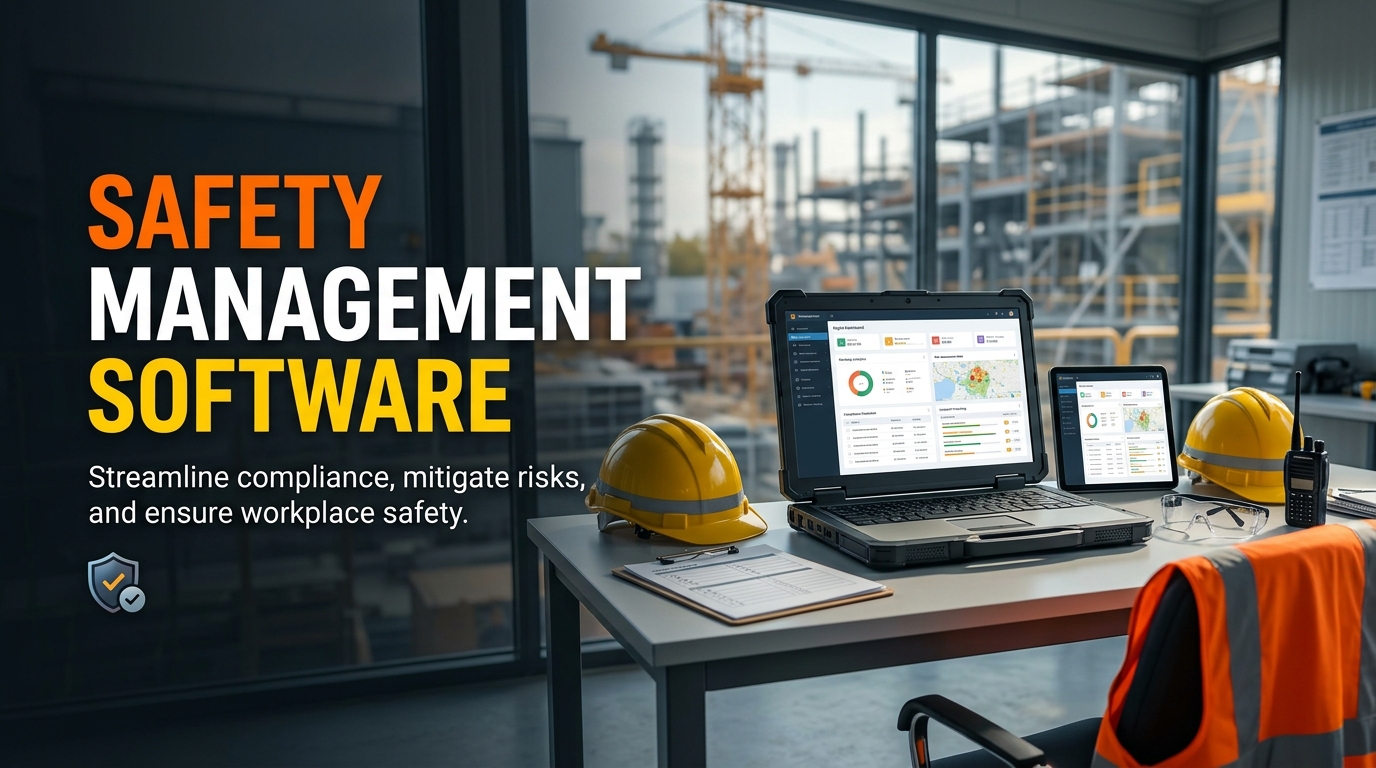
Safety Management Software helps businesses record workplace incidents, conduct safety audits, monitor hazards, and follow up on problems that could put employees at risk. Whether you manage a construction site, warehouse, factory, healthcare facility, or office, keeping accurate safety records is an important part of daily operations. When employees report incidents through paper forms or spreadsheets, information can become difficult to track, especially when several departments are involved. A centralised system gives your team a clearer way to report problems, investigate what happened, and make sure corrective actions are completed.
Why Businesses Need a Better Safety Management Process
Workplace safety involves more than providing protective equipment or displaying warning signs. Businesses also need to identify hazards, inspect work areas, investigate incidents, train employees, and check whether safety procedures are being followed.
These responsibilities can become difficult to manage when information is spread across different files or departments. A supervisor might complete an inspection but forget to share the findings with the maintenance team. An employee might report a near miss, but nobody follows up to find out why it happened. Over time, these gaps can allow the same problems to occur again.
Safety Management Software helps organisations maintain a more consistent process. Employees can report incidents, safety teams can assign investigations, and managers can review outstanding actions. The system does not replace professional judgement or workplace safety procedures, but it can help everyone understand what needs attention and who is responsible.
The Occupational Safety and Health Administration (OSHA) recommends investigating workplace injuries and near misses to identify underlying causes and prevent similar incidents in the future. OSHA incident investigation guidance explains why these investigations matter.
What Is Safety Management Software?
Safety Management Software is a digital platform used to organise workplace safety activities and related records. Depending on its features, it may support incident reporting, hazard identification, safety inspections, audit management, employee training, risk assessments, and corrective action tracking.
For example, imagine a construction company managing three active project sites. One supervisor reports that a worker nearly fell because a temporary walkway was not properly secured. Another site has an overdue equipment inspection, while a third needs to update employee training records.
If each site manages these tasks independently, the safety manager may struggle to understand the company’s overall position. A suitable software platform can bring these records together, helping the manager identify outstanding issues and compare safety performance across locations.
Not every business needs a large, complex platform. A small company may only require incident reporting and inspection checklists, while a larger organisation may need approval workflows, detailed reports, and integration with an existing EHS Management Software system.
How Incident Reporting Software Helps Investigate Workplace Events
Incident Reporting Software provides employees with a structured way to report injuries, near misses, unsafe conditions, equipment failures, and other safety-related events.
Without a clear reporting process, employees may delay reporting an issue or provide incomplete information. A digital form can guide them through the details that investigators need to review.
Record incidents accurately
A reporting form may include the date, location, type of incident, people involved, a description of what happened, and supporting photographs. The available fields depend on the system and the organisation’s reporting procedure.
For instance, if an employee notices a chemical container leaking, they can report the location and describe the problem so the responsible team can respond. The report creates a record that can be reviewed later, rather than relying entirely on a verbal conversation.
Investigate the underlying cause
Recording an incident is only the beginning. The safety team needs to understand why it happened and whether existing controls failed.
Suppose a worker slips on a wet factory floor. The immediate explanation may be that the floor was slippery, but a useful investigation should also consider why the spill occurred, whether it was reported, how quickly it was cleaned, and whether suitable controls were available.
Incident management tools can help investigators document evidence, record findings, and assign follow-up tasks. The aim should be to understand the causes and prevent recurrence, not simply to blame an individual.
Include near misses
A near miss is an event that could have caused injury or damage but did not. For example, a falling object might land beside a worker instead of hitting them.
These events can reveal hazards before a serious incident occurs. OSHA encourages employers to investigate close calls as part of workplace hazard identification and prevention. Read OSHA’s guidance on hazard identification.
When employees can report near misses easily and trust that their concerns will be taken seriously, organisations have more opportunities to identify weaknesses in their safety procedures.
The Role of Safety Audit Software
Safety Audit Software helps businesses plan audits, document findings, assign responsibilities, and monitor whether identified problems have been addressed.
An audit may review workplace procedures, employee training, equipment maintenance, emergency arrangements, or compliance with internal policies and applicable regulations. Its scope depends on the organisation’s activities and the requirements being assessed.
Plan and schedule audits
A company may need to inspect different areas at regular intervals. Software can help safety managers create schedules, assign auditors, and track which assessments are due or overdue.
For example, a warehouse may require routine checks of emergency exits, storage arrangements, fire protection equipment, and forklift safety procedures. A digital schedule helps supervisors see which inspections need to be completed.
Use consistent checklists
Standardised checklists help auditors assess similar areas using the same criteria. They may include questions about housekeeping, equipment condition, protective equipment, warning signs, and emergency access.
Auditors can record findings and attach supporting evidence where the software supports these functions. Consistent records make it easier to compare results between departments or locations.
However, a checklist should not replace an auditor’s professional judgement. If an unexpected hazard appears during an inspection, the auditor should record it even if it is not included in the original questions.
Keep audit findings organised
After an audit, businesses need to decide what to do about the findings. Some issues may require immediate attention, while others may involve longer-term improvements.
Software can help classify findings, assign responsible employees, set deadlines, and maintain a record of decisions. This reduces the chance that important findings will be overlooked after the audit report is completed.
Why Corrective Action Tracking Matters
Identifying a problem has limited value if nobody takes responsibility for fixing it. Corrective Action Tracking connects reported hazards and audit findings with the work required to address them.
A typical process includes the following steps.
- Record the issue. Document the hazard, incident, or audit finding and include relevant evidence.
- Assess the priority. Consider the possible consequences and decide how quickly action is required.
- Assign responsibility. Identify the person or department responsible for resolving the issue.
- Set a deadline. Establish a suitable completion date based on the risk and the work involved.
- Monitor progress. Review the status and follow up when an action becomes overdue.
- Verify the result. Confirm that the corrective measure has been implemented and that it addresses the problem.
Consider an audit that identifies damaged electrical equipment. The maintenance team may be assigned to repair or replace it, while the supervisor ensures the equipment remains out of use until it is safe. Once the work is completed, the responsible person should verify the result and record the evidence.
The International Labour Organization highlights the importance of planning, implementing, checking, and documenting corrective and preventive actions within occupational safety and health management. ILO guidance on action for improvement provides further information.
Essential Features to Look for in Workplace Safety Software
Before choosing Workplace Safety Software, consider the activities your organisation needs to manage. Useful features may include the following.
Incident and hazard reporting
Employees should be able to report incidents and hazards through a straightforward process. Mobile access can be helpful for workers who spend most of their time on construction sites, factory floors, or in warehouses.
Audit and inspection management
Look for tools to schedule inspections, create checklists, record findings, and assign follow-up tasks. If your company operates across several locations, check whether the system supports site-specific records and central reporting.
Risk assessment tools
Risk assessment features can help teams record hazards, assess potential consequences, and prioritise suitable controls. The software should support the method your organisation uses rather than forcing your team into an unsuitable process.
Corrective action management
Check whether the system allows you to assign actions, set deadlines, send reminders, upload evidence, and verify completion. These functions help connect audit findings and incident investigations with practical follow-up work.
Reporting and dashboards
Managers may need to review incident trends, overdue actions, recurring hazards, and audit results. Useful reports should make it easier to identify patterns and decide where further attention is needed.
Access controls and record management
Safety records can contain sensitive employee information. Check whether the platform offers suitable user permissions, secure access, backup arrangements, and record retention options. Your organisation should also define who can view, edit, approve, and export records.
How Safety Compliance Software Supports Daily Work
Safety Compliance Software helps organisations organise the activities and documentation used to monitor compliance with applicable rules, standards, and internal procedures.
For example, a business may need to maintain records of equipment inspections, safety training, emergency drills, and corrective actions. A central platform can help managers find those records and see whether required activities have been completed.
Some systems also offer reminders for scheduled checks and reports showing incomplete tasks. These features can help employees meet internal deadlines and prepare documentation for audits.
However, using software does not automatically make a business compliant. Legal requirements differ by location and industry, and organisations must verify that their procedures, records, and actual workplace practices meet the rules that apply to them.
A good system supports compliance by making responsibilities clearer and records easier to review. Management must still ensure that the information is accurate and that identified problems are resolved.
Common Challenges When Introducing Safety Management Software
A new system can improve recordkeeping, but only when employees understand how to use it and why reporting matters.
One challenge is employee participation. Workers may continue using informal messages or paper forms if the digital process takes too long. Businesses should provide practical training and keep routine reporting forms simple.
Another challenge is incomplete information. If employees use different terms to describe incidents or risk levels, reports may be difficult to compare. Establishing common definitions and reporting procedures can help maintain consistent records.
Some organisations also focus too much on closing tasks quickly. An action should not be marked complete simply because a form has been submitted. The responsible team should verify that the problem has been addressed effectively.
Finally, managers should avoid measuring safety performance only by the number of incidents reported. An increase in reports may indicate that employees feel more comfortable raising concerns, rather than showing that the workplace has become less safe. Incident data should be considered alongside inspections, investigation findings, and evidence that hazards are being controlled.
How to Choose the Right Safety Management System
Start by reviewing your current safety process. Identify where information gets lost, which reports take too long to complete, and why corrective actions remain open.
Then compare software options against your actual needs. Ask vendors to demonstrate a complete example, from reporting a hazard to investigating it, assigning corrective action, and verifying completion.
You should also consider ease of use, mobile access, reporting capabilities, implementation costs, employee training, and integration with your existing systems. If you already use EHS Management Software, check whether its incident reporting and audit features can meet your needs before purchasing another platform.
A small business may benefit from a straightforward system with a few essential functions. A larger organisation may need more advanced workflows and reporting across multiple sites. The best choice is the one your team can use consistently and maintain over time.
Final Thoughts
Safety Management Software gives businesses a structured way to manage incident reporting, safety audits, hazard investigations, and corrective actions. By keeping records organised and making responsibilities visible, it can help teams respond to problems and learn from events that might otherwise be overlooked.
The most useful system is not necessarily the one with the largest number of features. It is the one that fits your workplace, supports your safety procedures, and helps employees report concerns without unnecessary difficulty.
When choosing a solution, focus on practical needs such as clear incident reports, consistent audits, reliable corrective action tracking, and useful management reports. Combine these tools with employee participation, regular reviews, and responsible follow-up. That is how software can support a safer workplace and a more reliable approach to safety management.
Sources
- OSHA Incident Investigation
- OSHA Hazard Identification and Assessment
- International Labour Organization guidance on corrective action
About The Author